

prime
Vivid for Mac XDR Display Brightness Software
Vivid for Mac XDR Display Brightness Software
Regular price
3.600 BHD
Regular price
Sale price
3.600 BHD
Shipping calculated at checkout.
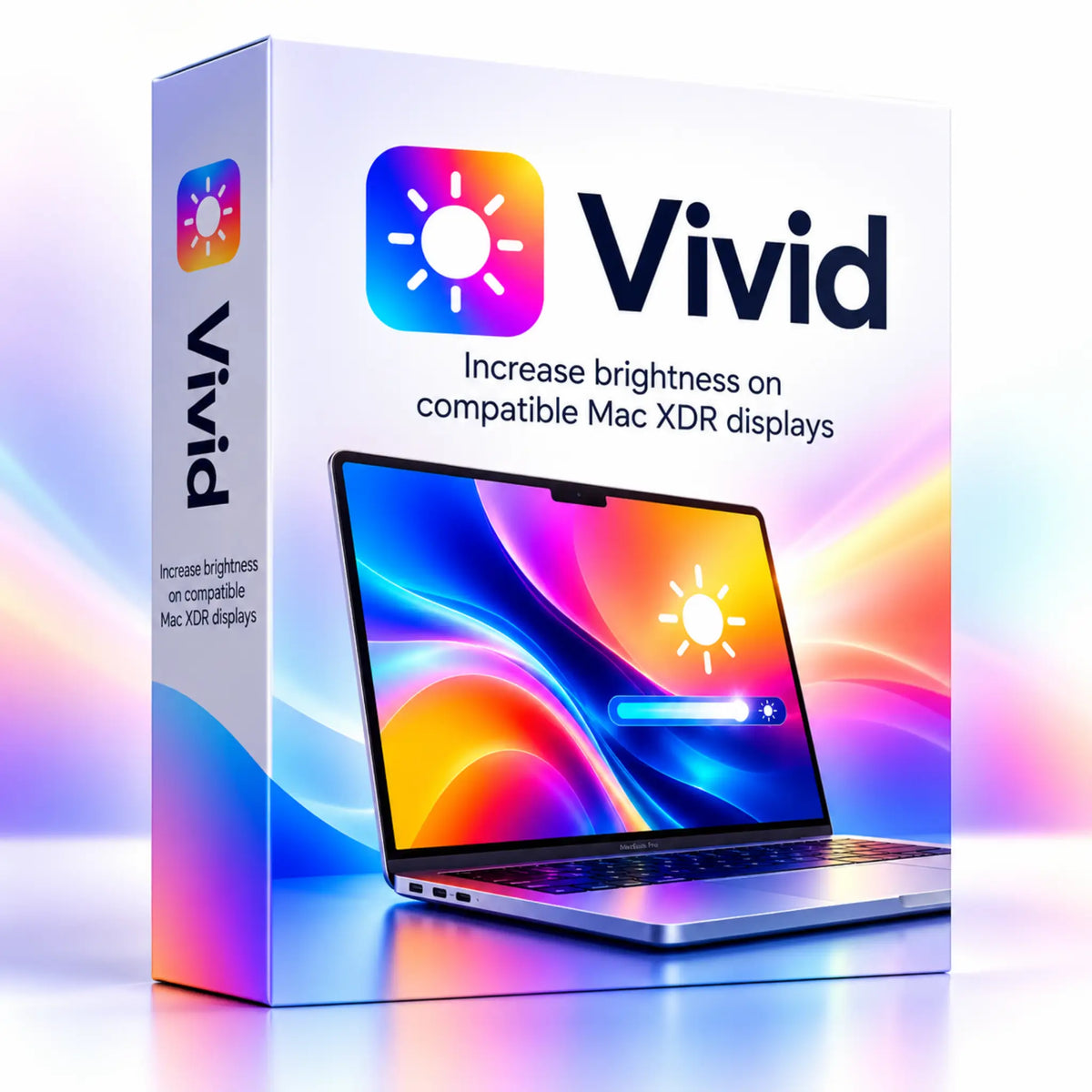
Vivid for Mac is a display brightness enhancement application designed to unlock the extra brightness range available on compatible Apple XDR displays. It allows users to increase brightness beyond the standard desktop range, making supported Mac displays easier to view in bright environments.
Vivid enables access to the higher brightness capabilities of supported XDR displays during everyday desktop use, rather than limiting that range to HDR content. It is ideal for Mac users who work in bright surroundings or prefer greater control over their screen brightness.
Quantity
Couldn't load pickup availability
Vivid Your MacBook Pro. Brighter
Increase desktop and application brightness on compatible Mac XDR displays
✨ Features and Uses
Brightness Boost
Increase desktop and application brightness within the capabilities of the supported XDR display.
Brightness Control
Control brightness to suit ambient lighting and the nature of your work.
Compatibility
Use it on devices listed in official compatibility requirements, rather than any Mac display.
📋 Offer Details and Compatibility
Product
Vivid for increasing brightness on compatible Mac XDR displays
System and Platform
MacBook Pro with XDR display or compatible Pro Display XDR
Developer
Vivid
Delivery
A digital product with no physical shipping.
📜 Choosing a License
License Note
The offer is for Vivid software; display compatibility is the most important factor before purchasing. Higher brightness increases energy use and may affect heat and battery life, so choose the level you actually need.
❓ Frequently Asked Questions
Does it work on MacBook Air?
Do not assume so; Vivid is intended for the XDR displays specified in developer requirements.
Does it turn any display into HDR?
No, it uses the supported display's capabilities and does not change its physical specifications.
✅ Before Activation
Checklist
Check your device requirements and the license name in your order, and keep your purchase confirmation. Follow the activation instructions for the offer. Do not assume that future updates or additional platforms are included unless stated in the license details.
Order
Choose the offer that suits your needs and complete your order at PrimeOrder.
🔗 Useful Sources and Links
Official Vivid Source
Check current requirements, compatibility and features.
PrimeOrder Software & Design
Browse the computer software and design section at PrimeOrder.
Super Right-Click Pro
For extending the Mac right-click menu.
Snipaste
For screenshots and pinning images as references.
ℹ️ Disclaimer
Reference
The official source is a general product reference. The offer details on this page are the reference for what your order.